Preview in:
What can image search be used for?
Basically, you can find almost anything with image search tools, but they are particularly useful for:
- Face search – checking for catfish scams, potential fraud, or where your images appear online
- Duplicate/copyright search – checking for unauthorized use of your images
- Place detection – finding locations from images
- Original source finding – tracing an image back to its original source
- Investigations – assisting with research and fact-checking
- Similar image search – finding visual inspiration
- Product search – comparing products and finding alternative prices
Here is a list of articles with the mentioned use cases described in detail:
- How can AI find a person from a photo? Try AI-powered tools for reverse face search
- Plagiarism image checker - find duplicate images online!
- Place Search for Free – Top 4 Best Ways to Find a Location from a Photo
- How to find similar images?
- Find clothes by picture using reverse image search engine
How to start your image search with lenso.ai? – a short guide
Here are a few simple steps to perform a reverse image search using lenso.ai:
- Prepare an Image – you can upload a picture from your device, take a new photo, copy an image, or use a screenshot.
- Visit lenso.ai – upload your chosen image to start the search.
- Explore Categories – choose a category based on what you're looking for:
- People
- Duplicates
- Places
- Similar
- Related
- Check the URLs – review the sources where your image appears online.
Research Mode to expand your reverse image search
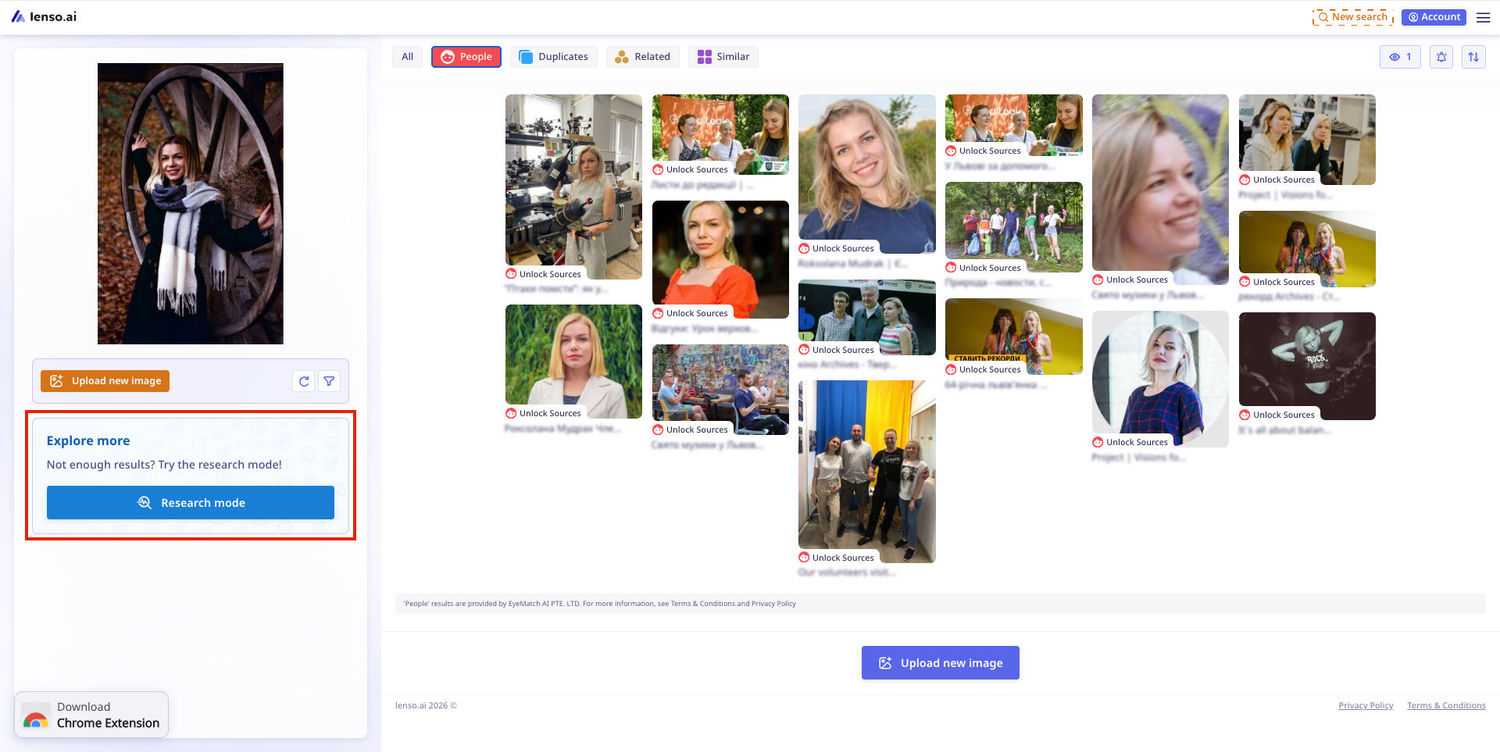
Recently, lenso.ai released a new feature — Research Mode, which enables in-depth searching and allows you to find up to 10,000 image results. Besides that, with Research Mode you will have access to advanced filters:
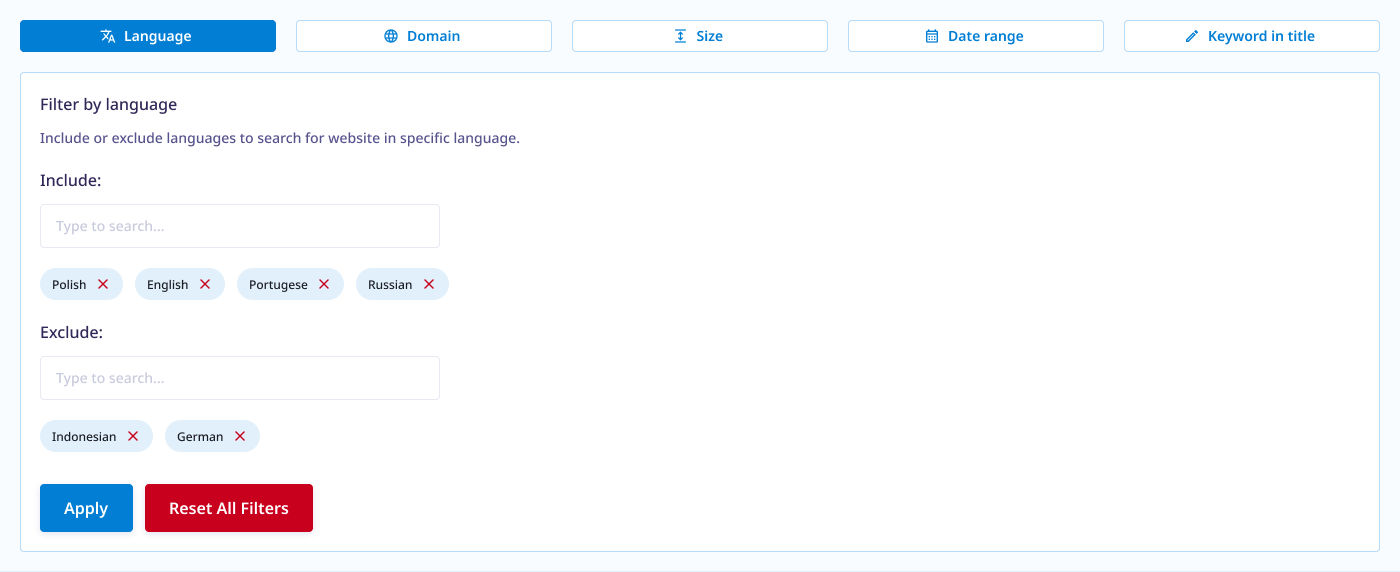
- date range
- domain language (exclude, include)
- exclude or include a specific domain
- image size
- keyword in title
Additional image search options
For a more precise or in-depth search, use:
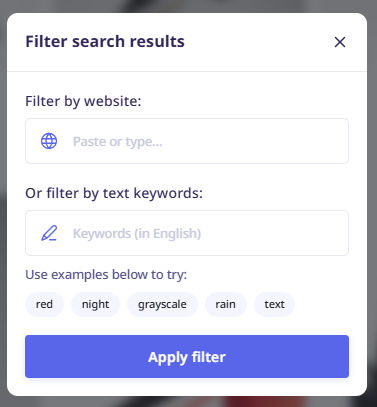
Filters
Search by keyword or domain.
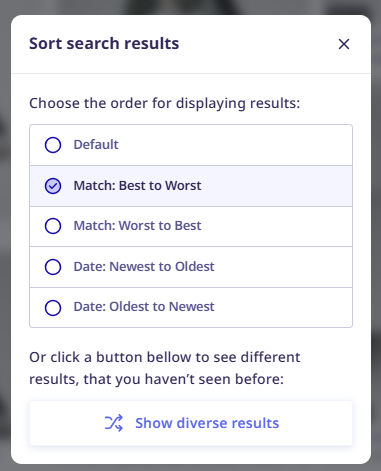
Sorting options
Organize results by newest/oldest, best/worst match, or random.
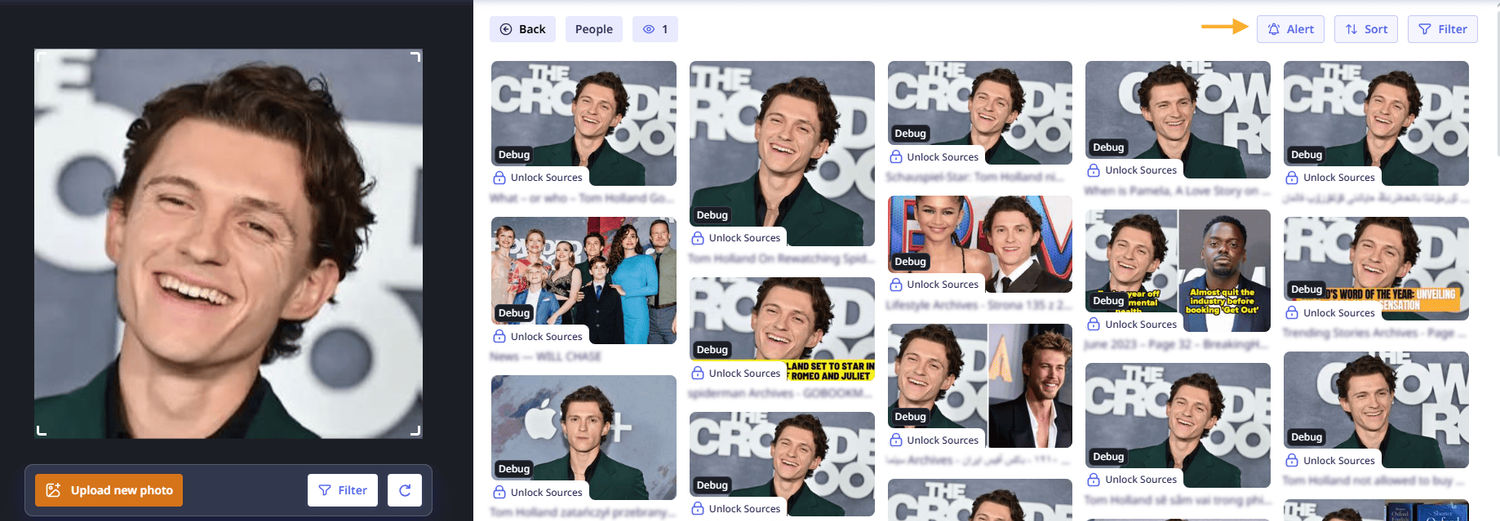
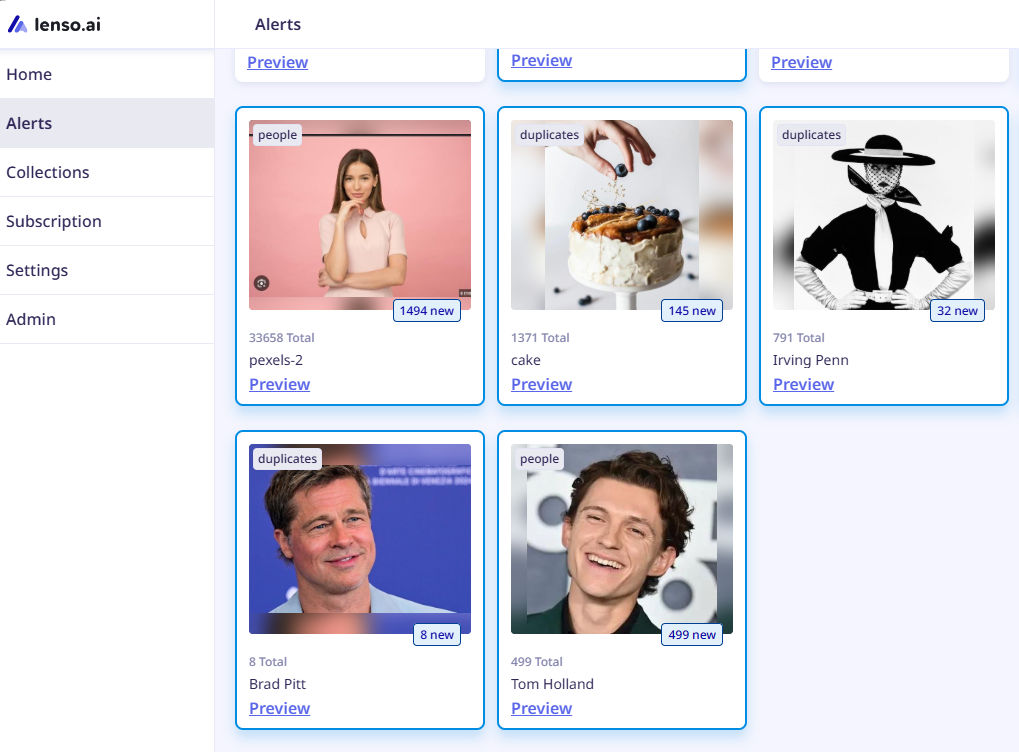
Alerts
Get email notifications when new results for your image appear online.
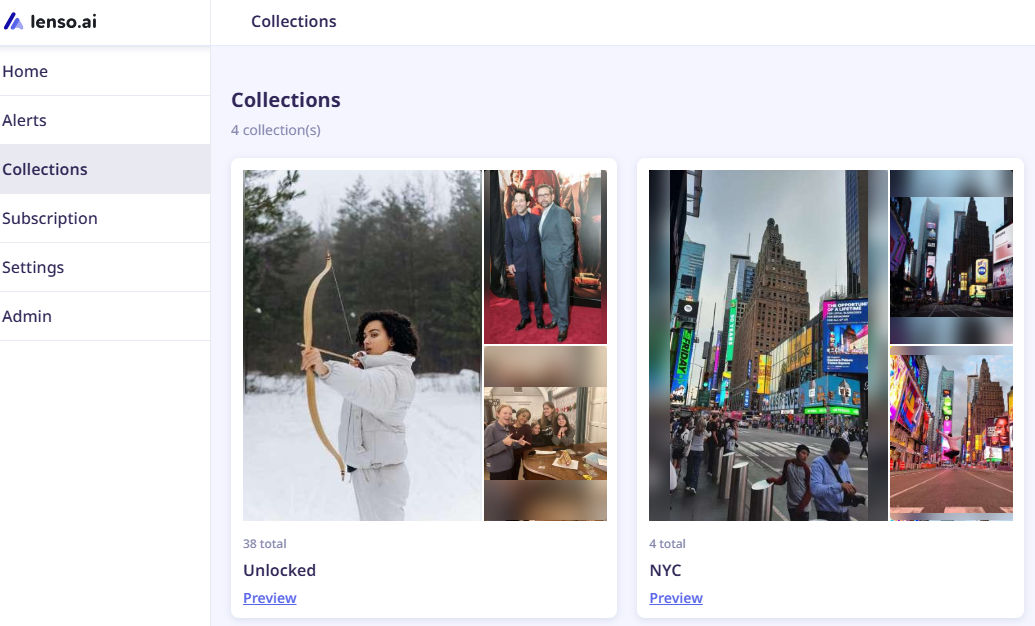
Collections
Save images for future reference or comparison.
How to reverse image search without Google?
How to make your image search more effective?
- Upload high-quality images – clear, sharp images yield better results.
- Use focused images – ensure the person, place, artwork, or product is clearly visible.
- Try multiple images – uploading different angles or variations can bring diverse results.
- Compare sources – check and analyze different URLs, even within the same domain, for accuracy. Similarly, SaaS businesses can use SaaS billing software to manage complex pricing models and maintain billing accuracy as they scale.

Author
Julia Mykhailiuk
Marketing Specialist
Continue reading

General
Visual Product Education: 6 Ways Ecommerce Brands Can Use Images to Build Customer Confidence
High product understanding is a direct prerequisite for high purchase intent. That’s why ensuring your target audience understands your solutions and their value is essential for guiding them toward conversion. However, communicating product benefits can be slightly more challenging online than in-store.
General
The Best Reverse Image Search for Photographers. Set Up Copyright Notifications!
If you are a photographer looking for a smart way to find your copyrighted content shared online, this is the place for you! In this article, we will explain how you can search for your photos being reposted, and the best ways you can automate the searching.

General
Face Search API by lenso.ai for businesses: Top 5 Industries and use cases
If you run a business and wonder how to boost your user engagement or add a feature that may become a game changer – we do have a solution! You need to implement the face search API from lenso.ai. Check whether your use case may be a good fit for reverse face search integration.

General
How Teams Can Improve Their Image Search Skills with AI-Powered Tools
AI-powered visual tools are changing how photographers, digital marketers, content creators, and researchers work. In a single day, one person might trace the source of a photo, check a campaign image for duplicates, and look for similar visuals for a new project. The tools evolve quickly, and training often struggles to keep up.